
Section 1 of 0
In Progress
How can I make engaging quizzes and games for my students? Copy
Use Microsoft Forms
Using Microsoft Forms is really easy to use. You can quickly create quizzes or surveys for your students to complete. These can be open ended questionnaires or quizzes, with correct answers, which are self-marking. Responses can be viewed on the summary dashboard or for each individual respondent. You can export the results to an Excel spreadsheeet. In the series of 5 videos below, Phil will walk you through the complete process of creating forms, adding questions, sending out your forms and then viewing the responses.
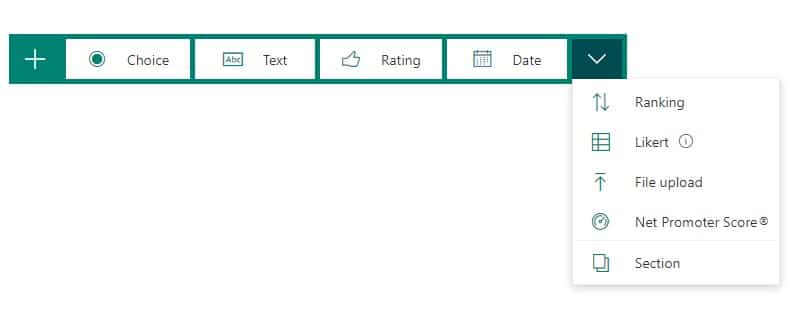
The diagram below: shows the types of questions that you can add:
Phil will demonstrate how to create a ‘choice’ question.
Try out other types of questions. Forms is very intuitive. Now let’s look at handling responses.